Canvas Lineage
 Canvas Lineage is the visual history of your creative process. Every time you modify an image, use a reference, or create a variation, MindCraft Studio automatically tracks the connection.
This lets you see exactly how an image evolved and which prompts or references were used at each step.




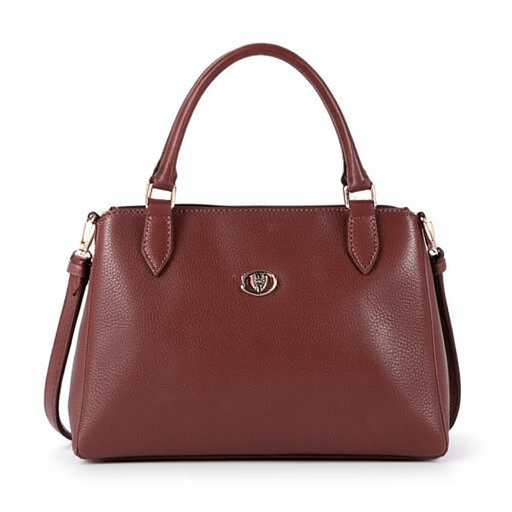
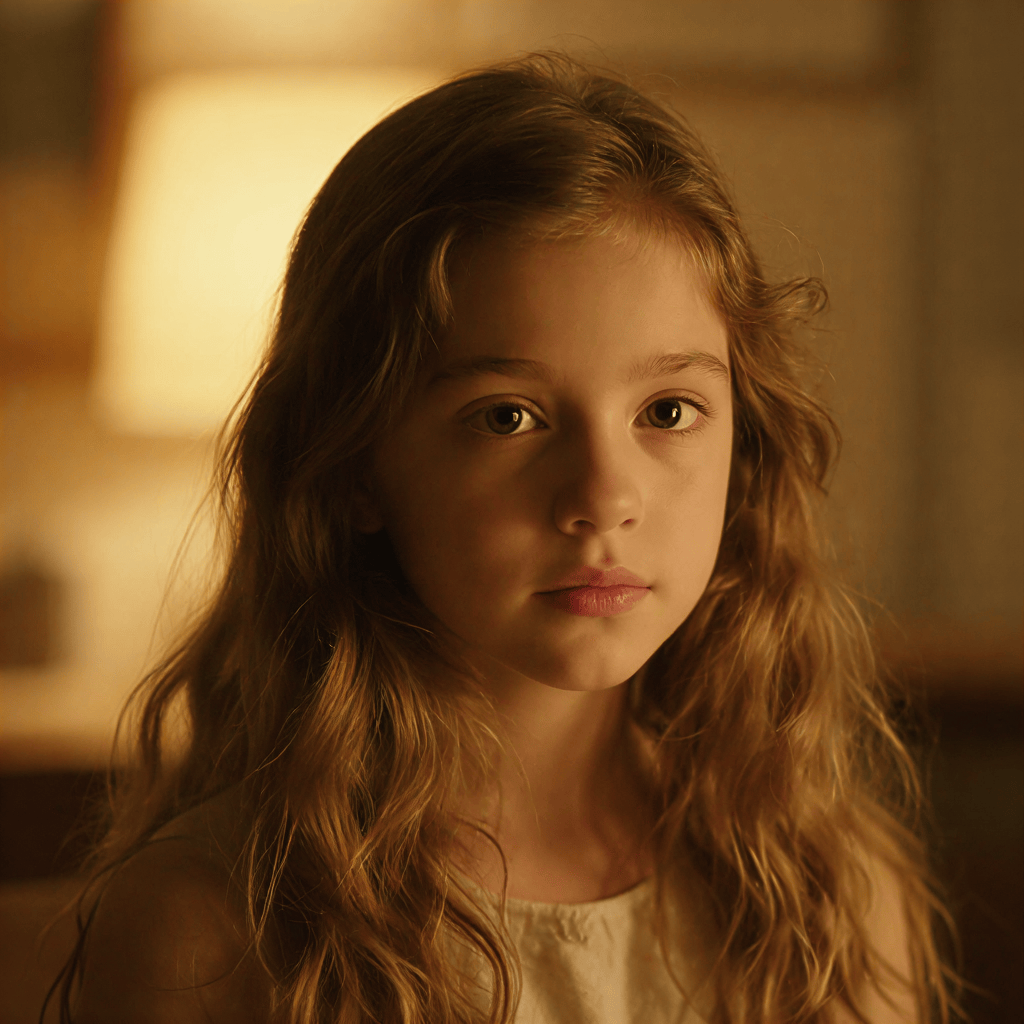
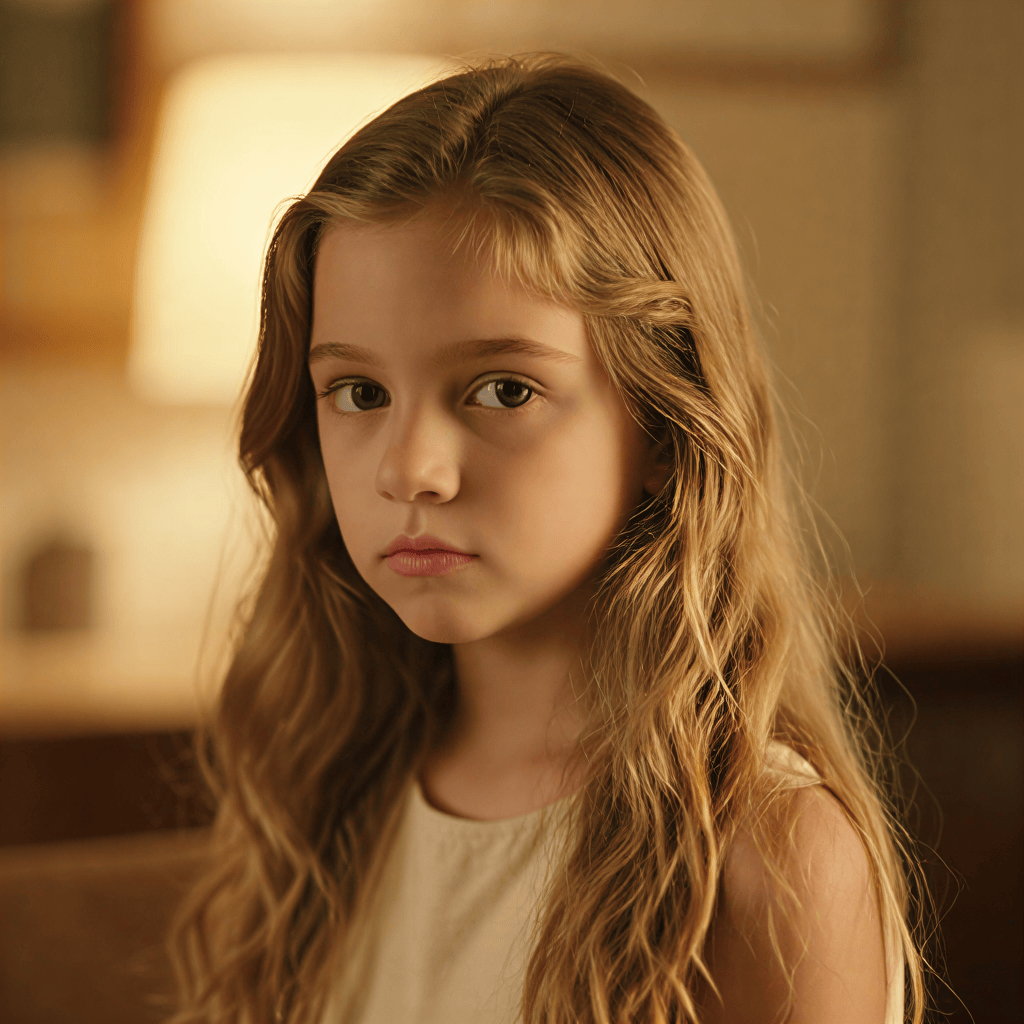
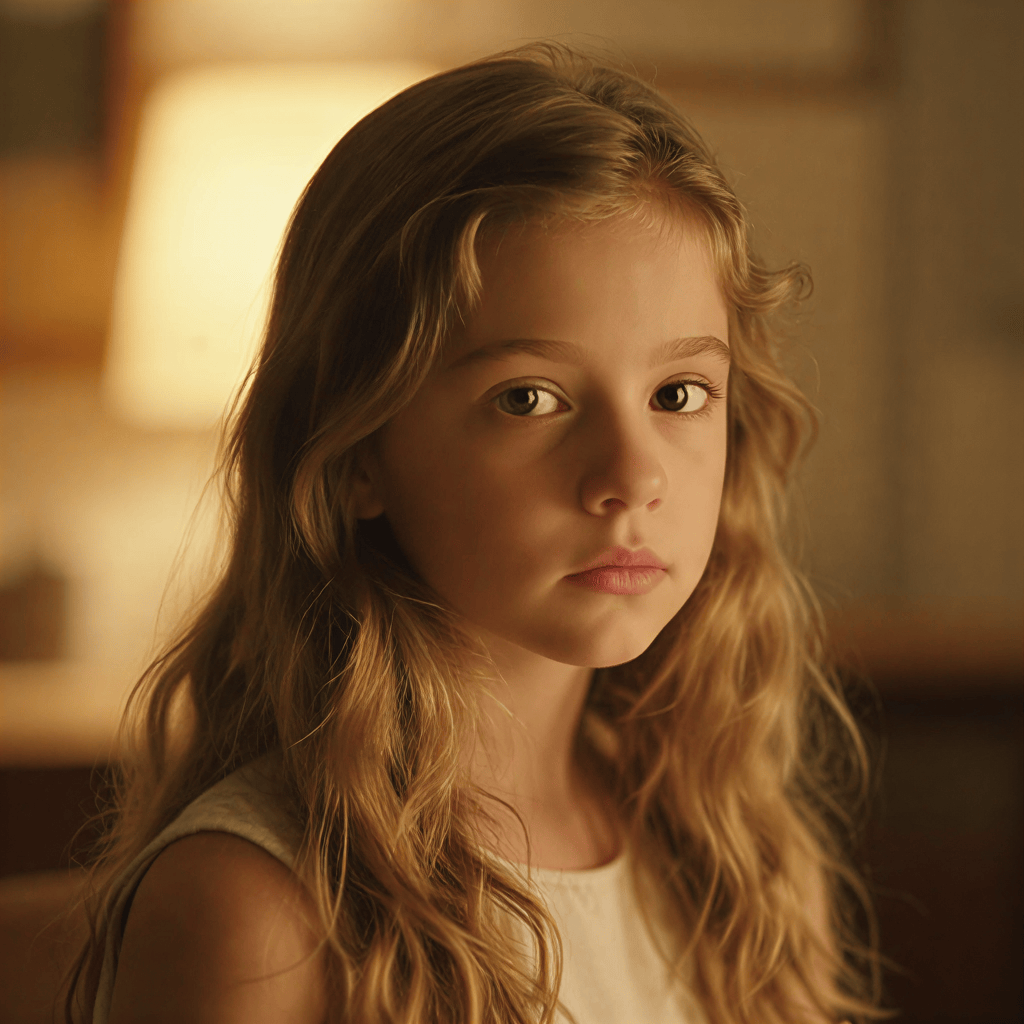






Understanding the Flow
In the infinite canvas, connections represent creative decisions:
- Dashed Lines: Represent a reference relationship. For example, using a character's face or an object as a style guide.
- Solid Lines: Represent a transformation or direct descendant. Typically created when you use the
 Modify Images or
  Variations tools.
Exploring Connections
You can click any connection point (the circular icons on the lines) to see the exact settings used for that step. This includes:
- The exact prompt and @mentions used.
- The seed and parameters for that specific generation.
- The model version and configuration.
By clicking the lineage icon, you can quickly revisit a previous step and branch off in a new direction, ensuring you never lose the "magic" of a previous iteration.