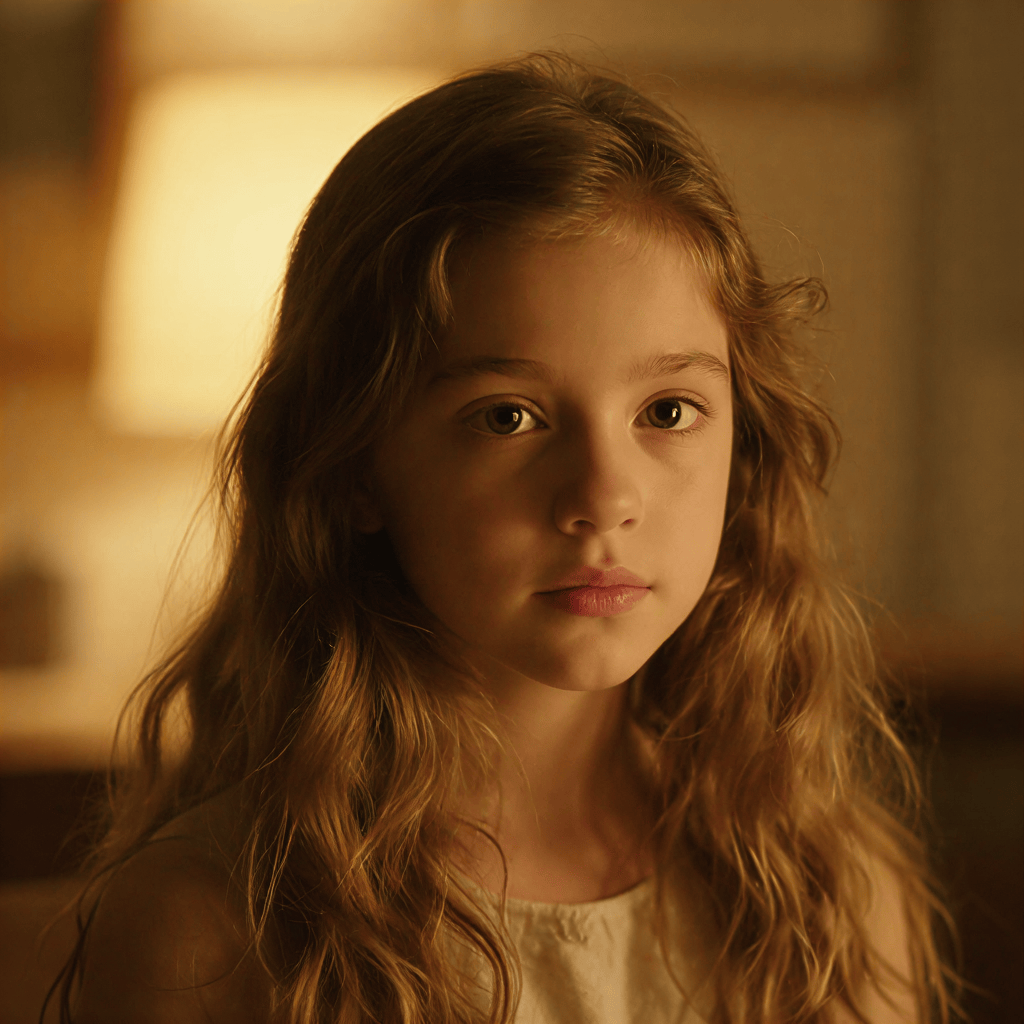
Camera Controls
The  Camera tool gives you intuitive control over the 3D perspective of your scenes. Simply click the tool on any image to open the navigator and adjust the viewing angle; the engine will use this new perspective to guide the next generation, ensuring consistent character and environmental placement across your infinite canvas.
Camera
FRONT VIEW (EYE LEVEL)